MonoGame v3.8.5 Content Builder and Android

I have been stumped on how to include the “Content” folder using the new content builder system when building for Android. I have it set up so that I can build it then run it using a target: Windows, DesktopGL, Android, and MacOSX.

The reason is when building the “Desktop” project in VS2022, it builds both Windows DX and OpenGL concurrently, where if trying to build the Content Builder concurrently errors out saying it’s in use. So I came up with the solution of just building it then running it afterwards. For example, here is how I handle it in my Desktop .csproj that builds both “Content” folders for DX and OGL, and works for both building in Visual Studio and when publishing:

A PowerShell script in the “ContentBuilder” directory to build it:

param([string]$Configuration = "Debug")

# Serializes concurrent attempts to build ContentBuilder.csproj (e.g. when both
# TargetFrameworks build in the same invocation) so they never collide on its
# own obj/bin files. A no-op when only one platform is building.
$mutex = New-Object System.Threading.Mutex($false, "Local\ProjectZ_ContentBuilder_Build")

if (-not $mutex.WaitOne([TimeSpan]::FromMinutes(5))) 
{
    Write-Error "Timed out waiting for the ContentBuilder build lock."
    exit 1
}
try 
{
    dotnet build "$PSScriptRoot\ContentBuilder.csproj" -c $Configuration -o "$PSScriptRoot\bin\Tool"
    if ($LASTEXITCODE -ne 0) { exit $LASTEXITCODE }
}
finally 
{
    $mutex.ReleaseMutex()
}

Which is executed in the .csproj.

  <!-- Build the external ContentBuilder tool -->
  <Target Name="BuildContentTool">
    <Exec Command="powershell -NoProfile -ExecutionPolicy Bypass -File &quot;$(MSBuildThisFileDirectory)..\ContentBuilder\Build-ContentTool.ps1&quot; -Configuration $(Configuration)" />
  </Target>

  <!-- Generate XNBs before both Build and Publish -->
  <Target Name="GenerateContent"
          DependsOnTargets="BuildContentTool"
          BeforeTargets="Build;Publish">
    <Exec Condition="'$(TargetFramework)' == 'net8.0-windows'"
          Command="dotnet &quot;$(MSBuildThisFileDirectory)..\ContentBuilder\bin\Tool\ContentBuilder.dll&quot; Windows" />
    <Exec Condition="'$(TargetFramework)' == 'net8.0'"
          Command="dotnet &quot;$(MSBuildThisFileDirectory)..\ContentBuilder\bin\Tool\ContentBuilder.dll&quot; DesktopGL" />
  </Target>

  <!-- Visual Studio: Copy generated content into the build output -->
  <Target Name="CopyContentToOutput"
          DependsOnTargets="GenerateContent"
          AfterTargets="Build">
    <ItemGroup Condition="'$(TargetFramework)' == 'net8.0-windows'">
      <GeneratedContent Include="..\ContentBuilder\bin\DirectX9\Content\**\*" />
    </ItemGroup>
    <ItemGroup Condition="'$(TargetFramework)' == 'net8.0'">
      <GeneratedContent Include="..\ContentBuilder\bin\DesktopGL\Content\**\*" />
    </ItemGroup>
    <Copy SourceFiles="@(GeneratedContent)"
          DestinationFiles="@(GeneratedContent->'$(TargetDir)Content\%(RecursiveDir)%(Filename)%(Extension)')"
          SkipUnchangedFiles="true" />
  </Target>

  <!-- Publishing: Copy generated content into the publish output -->
  <Target Name="CopyContentToPublish"
          DependsOnTargets="GenerateContent"
          AfterTargets="Publish">
    <ItemGroup Condition="'$(TargetFramework)' == 'net8.0-windows'">
      <GeneratedContent Include="..\ContentBuilder\bin\DirectX9\Content\**\*" />
    </ItemGroup>
    <ItemGroup Condition="'$(TargetFramework)' == 'net8.0'">
      <GeneratedContent Include="..\ContentBuilder\bin\DesktopGL\Content\**\*" />
    </ItemGroup>
    <Copy SourceFiles="@(GeneratedContent)"
          DestinationFiles="@(GeneratedContent->'$(PublishDir)Content\%(RecursiveDir)%(Filename)%(Extension)')"
          SkipUnchangedFiles="true" />
  </Target>

It’s crazy how hard this was to accomplish, so that “Content” ends up in the right place whether I build with Visual Studio to test, or publish with my batch script. This works for all projects except Android. No matter what I try, when I go to publish the “Content” folder is missing from the resulting APK. It’s getting built, it’s just not being included. I am questioning whether or not this is even possible to accomplish within a .csproj file at this point. The closest I got to was this:

  <!-- Build the external ContentBuilder tool -->
  <Target Name="BuildContentTool">
    <Exec Command="powershell -NoProfile -ExecutionPolicy Bypass -File &quot;$(MSBuildThisFileDirectory)..\ContentBuilder\Build-ContentTool.ps1&quot; -Configuration $(Configuration)" />
  </Target>

  <!-- Generate XNB files and inject them into AndroidAsset before asset paths are computed -->
  <Target Name="GenerateContent"
          DependsOnTargets="BuildContentTool"
          BeforeTargets="_ComputeAndroidAssetsPaths;CoreCompile"
          Condition="'$(DesignTimeBuild)' != 'true'">
    <Exec Command="dotnet &quot;$(MSBuildThisFileDirectory)..\ContentBuilder\bin\Tool\ContentBuilder.dll&quot; Android" />
    <ItemGroup>
      <_GeneratedAndroidContent Include="..\ContentBuilder\bin\Android\Content\**\*" />
      <AndroidAsset Include="@(_GeneratedAndroidContent)" Link="Content\%(RecursiveDir)%(Filename)%(Extension)" />
    </ItemGroup>
  </Target>

  <!-- Static content is fine to leave static — it already exists on disk at evaluation time -->
  <ItemGroup>
    <AndroidAsset 
      Include="..\ProjectZ.Core\Data\**\*" 
      Link="Data\%(RecursiveDir)%(Filename)%(Extension)" />
  </ItemGroup>

I have searched and searched on how to tell the .csproj file to build the content before trying to include it as an Android asset, but I can’t find anything on how to do it. I’ve asked AI and gotten a million different versions of things that don’t work. If I publish twice in a row, the Content is included because it was generated the first time, just not “in time”. Does anyone have a clever solution to this? Somehow this was seemingly not a problem with the old content builder.
I was starting to think it wasn’t possible. Just to show the attempts I got from different AI, here is what didn’t work and what finally did work.

Gemini (Does not work):

  <!-- Build the external ContentBuilder tool -->
  <Target Name="BuildContentTool">
    <Exec Command="powershell -NoProfile -ExecutionPolicy Bypass -File &quot;$(MSBuildThisFileDirectory)..\ContentBuilder\Build-ContentTool.ps1&quot; -Configuration $(Configuration)" />
  </Target>

  <!-- Generate XNB files and dynamically inject them into AndroidAsset -->
  <!-- We hook into '_GetAndroidAssets' which is the earliest phase where Android scans for files -->
  <Target Name="GenerateContent"
          DependsOnTargets="BuildContentTool"
          BeforeTargets="_GetAndroidAssets;Build;Publish">
    
    <!-- 1. Execute your content builder tool -->
    <Exec Command="dotnet &quot;$(MSBuildThisFileDirectory)..\ContentBuilder\bin\Tool\ContentBuilder.dll&quot; Android" />

    <!-- 2. Dynamically look up the newly generated files now that they exist -->
    <ItemGroup>
      <_GeneratedAndroidContent Include="..\ContentBuilder\bin\Android\Content\**\*" />
    </ItemGroup>

    <!-- 3. Inject them into the live AndroidAsset item group with proper linking -->
    <ItemGroup>
      <AndroidAsset Include="@(_GeneratedAndroidContent)" 
                    Link="Content\%(RecursiveDir)%(Filename)%(Extension)" />
    </ItemGroup>
  </Target>

  <!-- Keep your Core Data here only if those files always exist statically before building -->
  <ItemGroup>
    <AndroidAsset 
      Include="..\ProjectZ.Core\Data\**\*" 
      Link="Data\%(RecursiveDir)%(Filename)%(Extension)" />
  </ItemGroup>

ChatGPT (Does not work):

<!-- Build the external ContentBuilder tool -->
<Target Name="BuildContentTool">
  <Exec Command="powershell -NoProfile -ExecutionPolicy Bypass -File &quot;$(MSBuildThisFileDirectory)..\ContentBuilder\Build-ContentTool.ps1&quot; -Configuration $(Configuration)" />
</Target>

<!-- Generate XNB files before Android collects assets -->
<Target Name="GenerateAndroidContent"
        DependsOnTargets="BuildContentTool"
        BeforeTargets="UpdateAndroidAssets">

  <Exec Command="dotnet &quot;$(MSBuildThisFileDirectory)..\ContentBuilder\bin\Tool\ContentBuilder.dll&quot; Android" />

  <ItemGroup>
    <AndroidAsset 
      Include="..\ContentBuilder\bin\Android\Content\**\*" 
      Link="Content\%(RecursiveDir)%(Filename)%(Extension)" />

    <AndroidAsset 
      Include="..\ProjectZ.Core\Data\**\*" 
      Link="Data\%(RecursiveDir)%(Filename)%(Extension)" />
  </ItemGroup>

</Target>

Claude (Finally works!):

  <!-- Build the external ContentBuilder tool -->
  <Target Name="BuildContentTool">
    <Exec Command="powershell -NoProfile -ExecutionPolicy Bypass -File &quot;$(MSBuildThisFileDirectory)..\ContentBuilder\Build-ContentTool.ps1&quot; -Configuration $(Configuration)" />
  </Target>

  <!-- Generate XNB files and inject them into AndroidAsset before asset paths are computed -->
  <Target Name="GenerateContent"
          DependsOnTargets="BuildContentTool"
          BeforeTargets="_ComputeAndroidAssetsPaths;CoreCompile"
          Condition="'$(DesignTimeBuild)' != 'true'">

    <Exec Command="dotnet &quot;$(MSBuildThisFileDirectory)..\ContentBuilder\bin\Tool\ContentBuilder.dll&quot; Android" />

    <ItemGroup>
      <_GeneratedAndroidContent Include="..\ContentBuilder\bin\Android\Content\**\*" />
      <AndroidAsset Include="@(_GeneratedAndroidContent)"
                    Link="Content\%(RecursiveDir)%(Filename)%(Extension)" />
    </ItemGroup>
  </Target>

  <!-- Static content is fine to leave static — it already exists on disk at evaluation time -->
  <ItemGroup>
    <AndroidAsset Include="..\ProjectZ.Core\Data\**\*"
                  Link="Data\%(RecursiveDir)%(Filename)%(Extension)" />
  </ItemGroup>

I’ve been working at this problem for two days… and it figures as soon as I make a post on a forum, I finally get something that works. To be fair to the other LLMs, I linked the things that didn’t work into Claude and it finally gave me something that did work. I blame Microsoft for making working with .csproj files so cryptic. What reads and feels like it “should” work more often than not doesn’t work.

Well, if anyone else out there is building for Android and is wondering how to automate building the “Content” folder with the new Content Builder app via the project’s .csproj, there’s a solution for you.

1 Like

I want to thank the MonoGame team for providing the 3.8.5 update and the starter kit (GitHub - MonoGame/Starter-Kit-3D-Platformer: The MonoGame port of the excellent Kenney Starter-Kit-3D-Platformer · GitHub). After getting clean VS2026 build for each platform, and then testing Windows, desktop, and Android, I made improvements to the platformer by adding touch so I can test it on my tablet (Google Pixel Tablet). All worked fine. And the order may be out of sync with reality, but I wanted to fold in advanced shaders. If memory serves me correctly, the Android shader model was stuck in the OpenGL ES era. Then new to using AI, which I stumbled onto through GitHub, it identified the problem. So the next step was ripping out OpenGL ES and replacing it with Vulkan (and OpenGL). But it worked. I have a local MonoGame 3.8.5.1-local repo and have a test with the cool physics shader that worked amazingly well. Then I started to wrap everything in my namespace. . . and again, if memory serves me correctly, moving items around, adding namespaces caused compilation. This is an ongoing report, and I will update it later. At one point the build and execution worked for each platform but now encountering errors:

3.8.5 3.8.5.1-local

Android and the desktop MonoGame packages (DesktopVK / WindowsDX / WindowsDX12) are consumed
from a locally-built MonoGame feed so we can use the advanced (SM4/5, GPGPU) physics
shaders. That feed is produced by building the MonoGame develop branch with the
“Build Native”, “Build Content Pipeline”, “Build WindowsDX” and “Pack Native Runtime”
targets. Output lands in C:\Dev\MonoGame\Artifacts\NuGet as version 3.8.5.1-local.

iOS still resolve their stock packages from nuget.org.

I did want to write a clean report but copying items with the current forum editor is adding another layer of AI or other formatting issues I cannot resolve at this moment. I will be back.

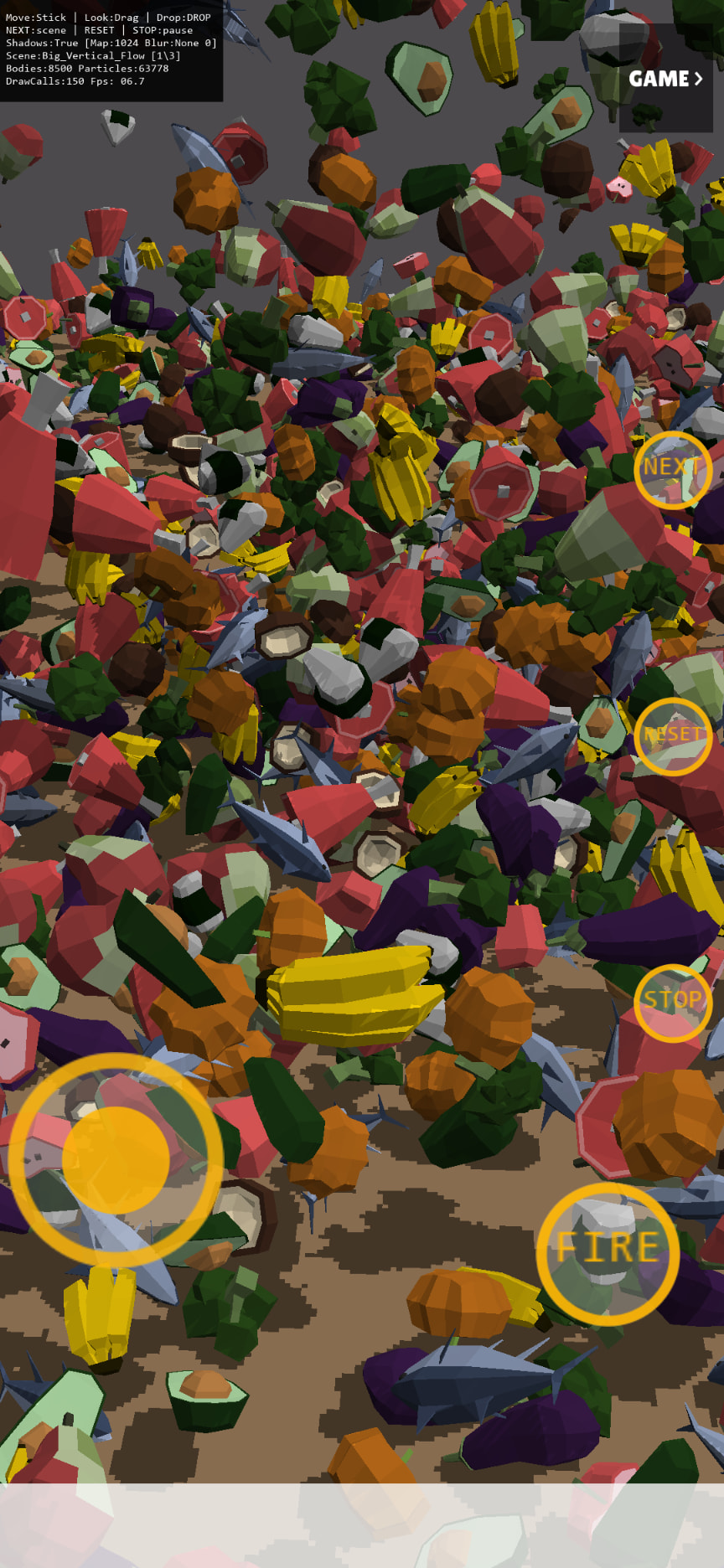
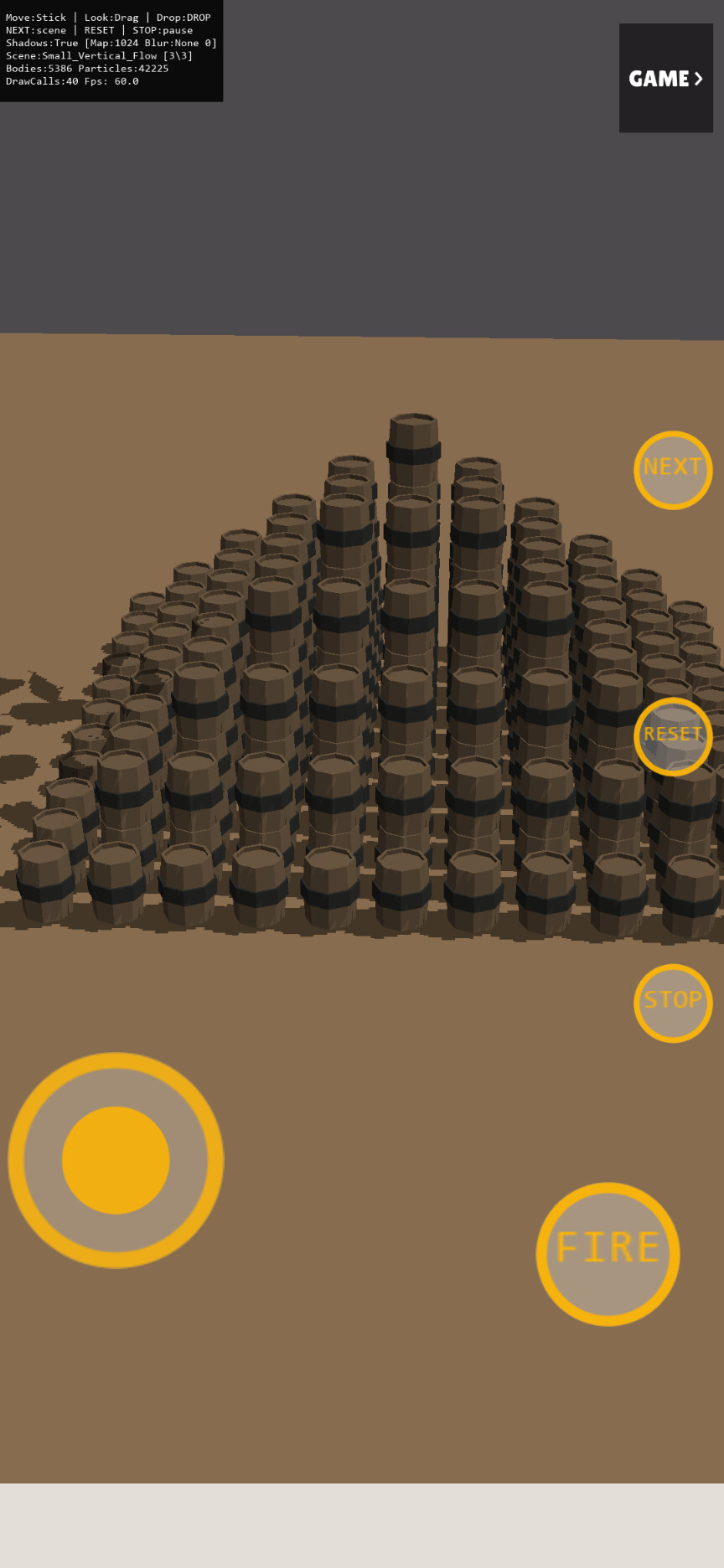
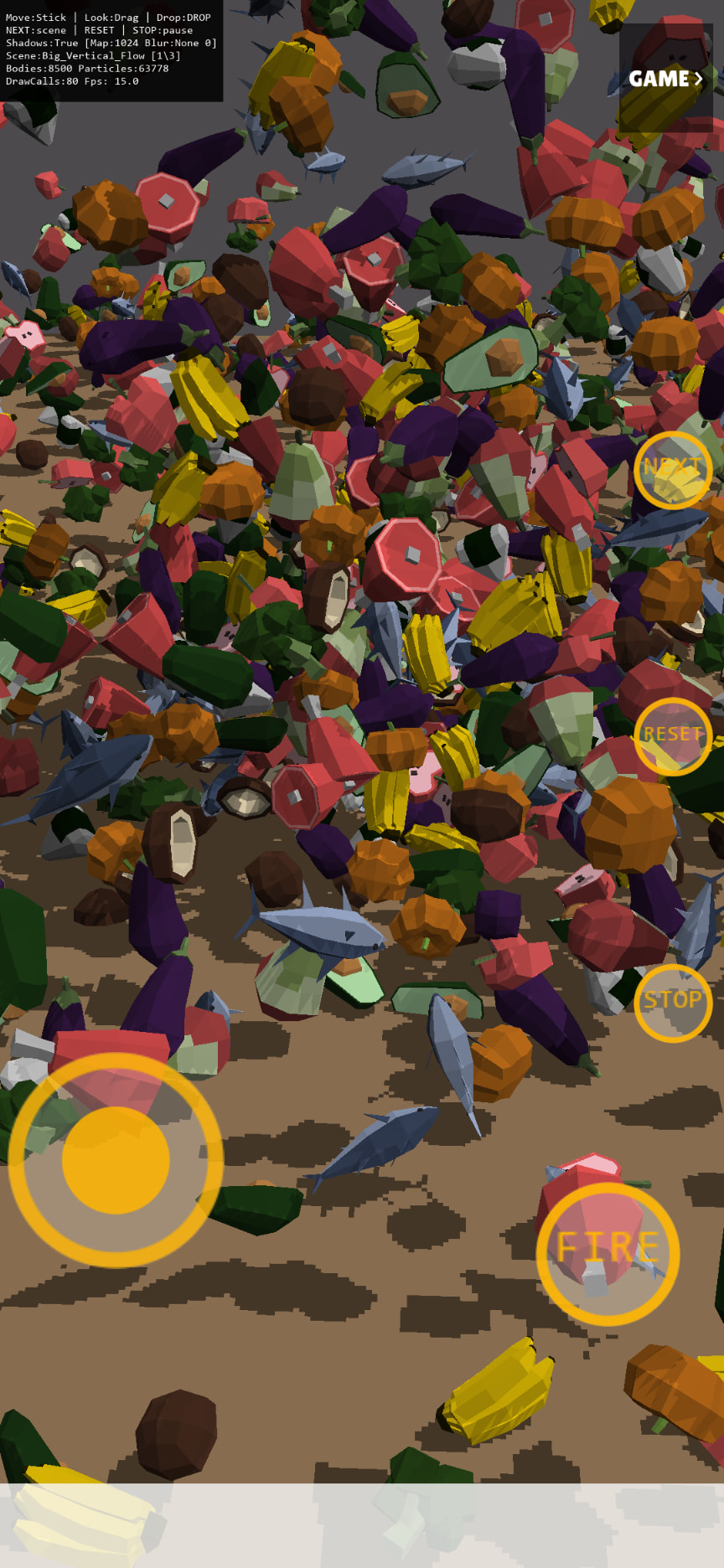
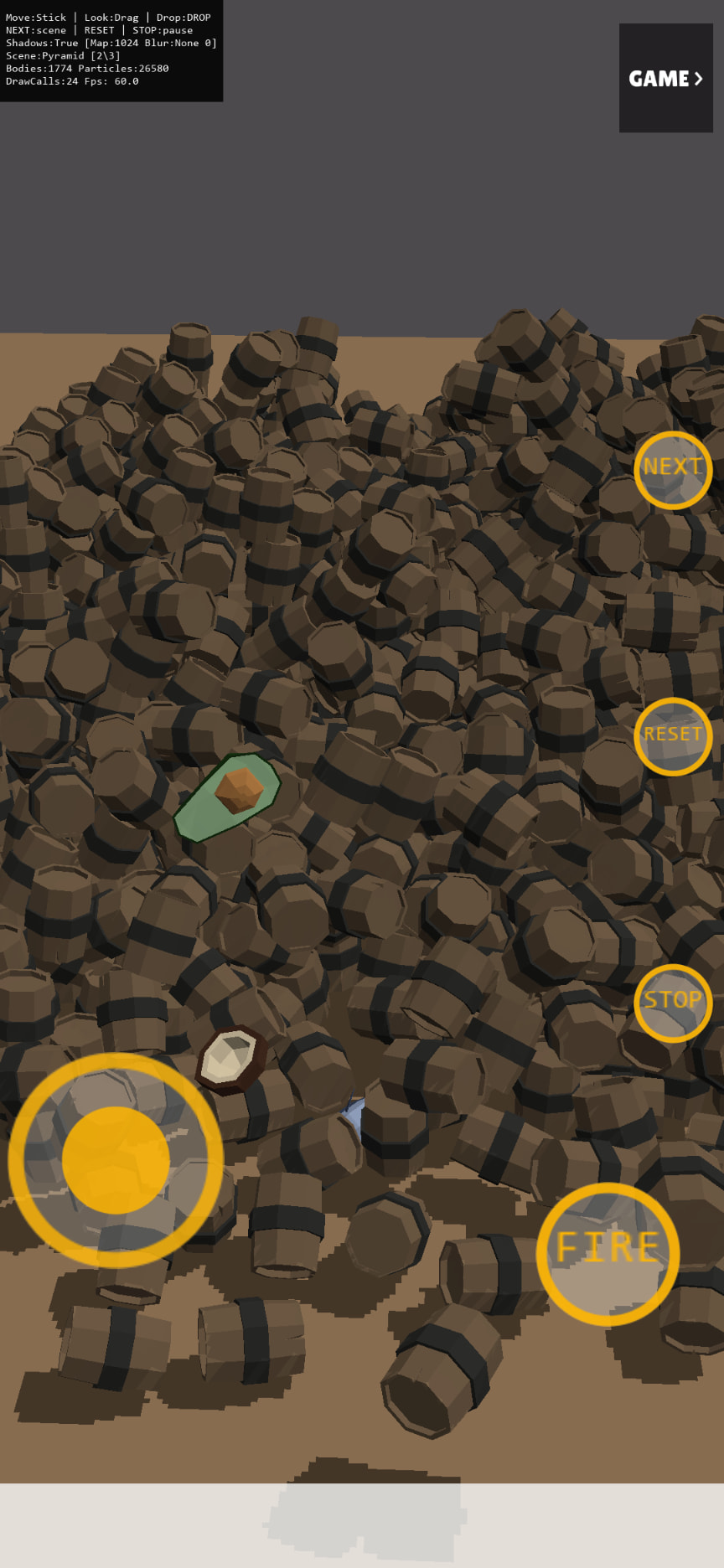
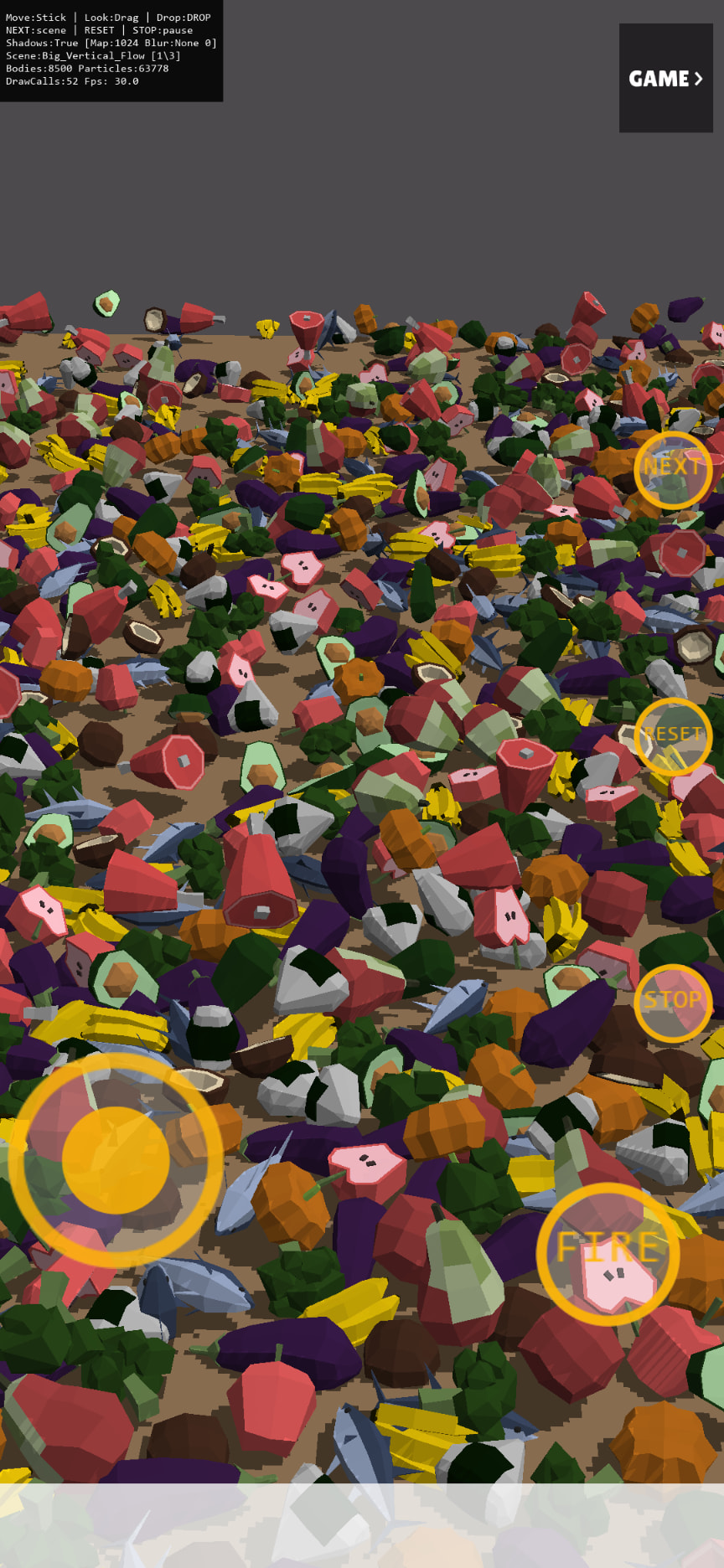
Some screenshots I took this morning:

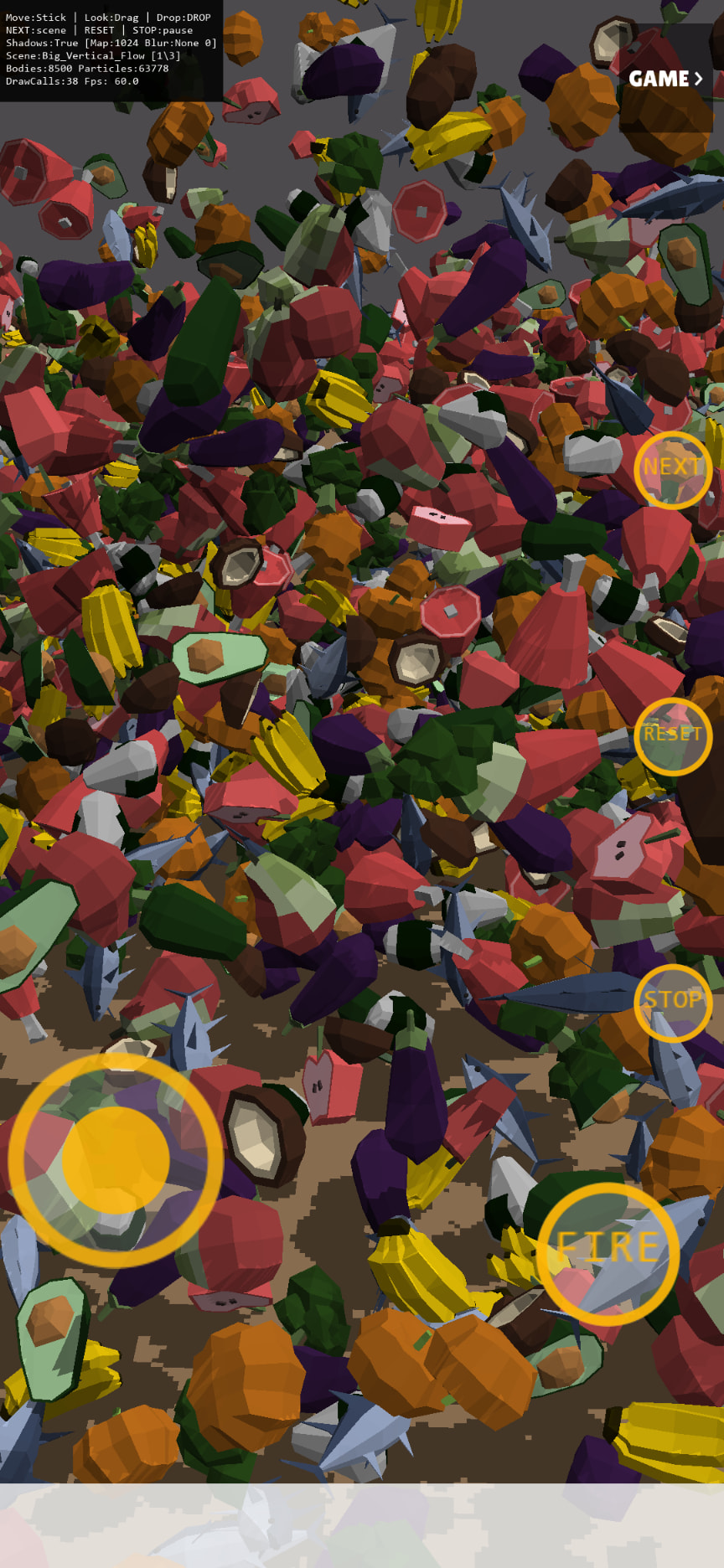
Some screenshots from the Android tablet:

1 Like