As a quick fix to get Monogame working on M1 do the following:
Install both the arm64 and the x64 SDKs of Dotnet SDK 6!
The arm64 version of the SDK is already installed with VS2022.
In Visual Studio 2022 in Preferences (Visual Studio->Preferences) under
SDK Locations → .Net Core change the path of the .NET Core Command Line to:
/usr/local/share/dotnet/x64/dotnet
Restart VS2022
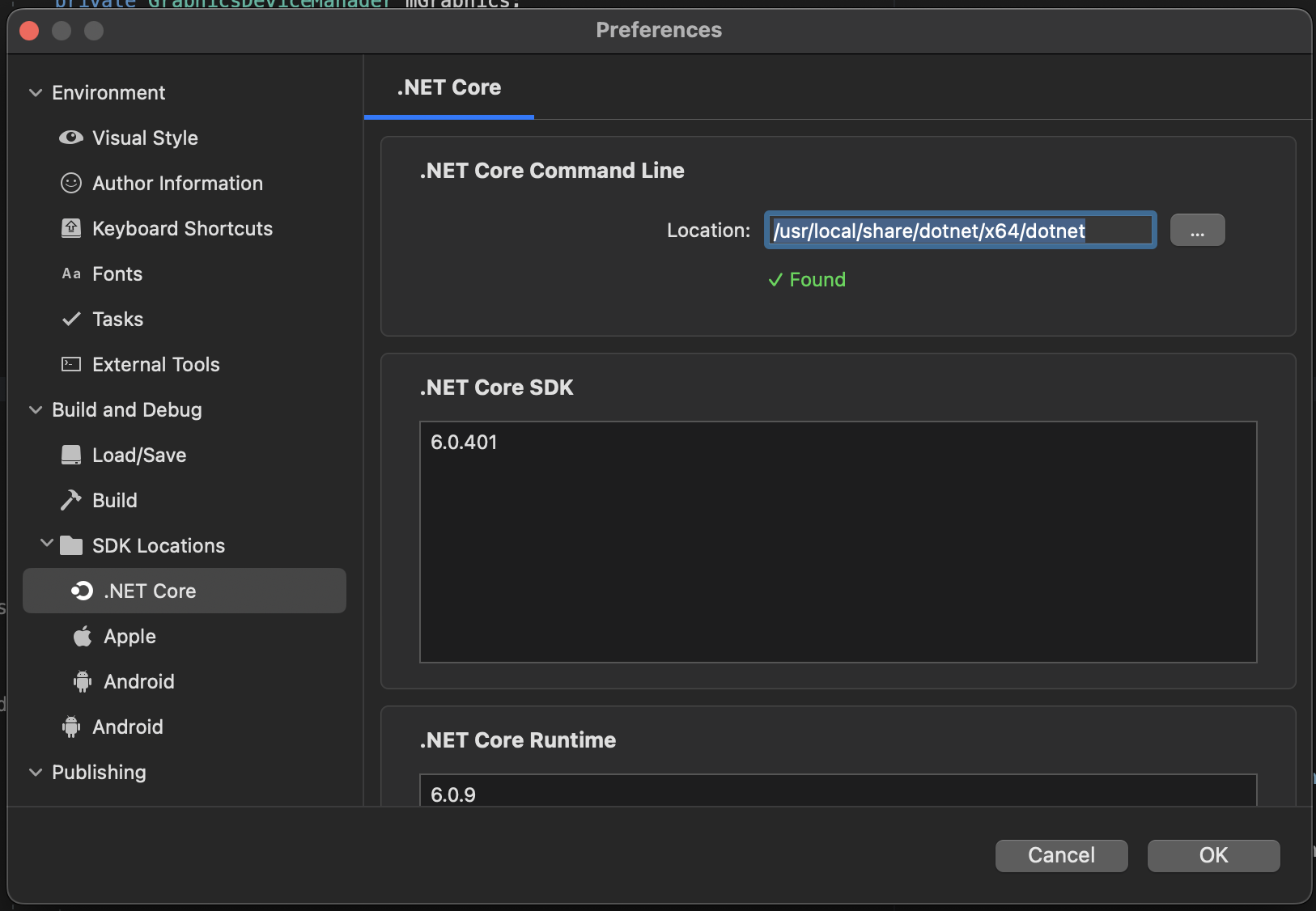
After that you should be able to build your MonoGame project with an Apple M1.
As a side note: Installing the x64 SDK of dotnet 6 is enough to be able to run the MonoGame Content Builder Editor (using dotnet mgdb-editor inside your project), but you have to set the runtime which your game is built against explicitly to x64.
After that your are able to build, run and debug your game. Unfortunately only by using the x64 runtime instead of arm64. But once MonoGame runs fully (including building) on arm64 this is the way to go.
This should be added to the docs as new users might get confused with the proper setup on mac.