It looks like GraphicsDevice.GraphicsCapabilities doesn’t work anymore, possibly due to the removal of OpenTK in MonoGame. The command from this topic, GL.GetInteger(GetPName.MaxTextureSize, out foo), which appears to be a convenience function of OpenTK, doesn’t work anymore either.
What is the new way to find the OpenGL capabilities? I need to read the GL MAX_TEXTURE_SIZE so if a user’s system doesn’t support a 4096x4096 textured model, I can automatically downgrade to a 2048x2048 Texture2D to avoid displaying the blacked-out texture when a graphics card’s max texture size is exceeded:
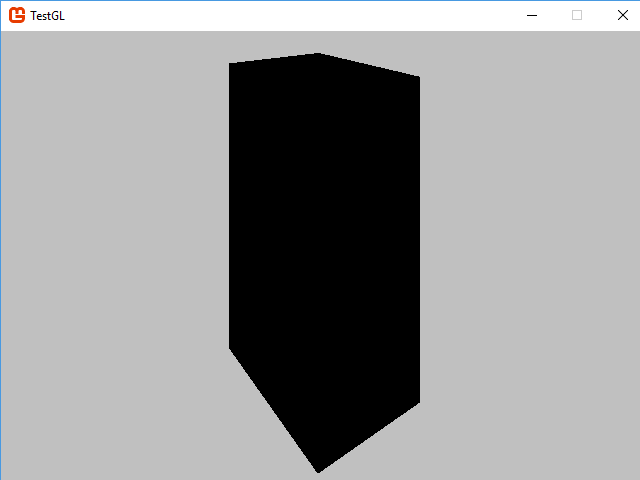
I have not been able to detect the blacking effect from within MonoGame with BasicEffect.Texture.GetData, as it only reads back the original texture image, so it must be on the GPU side only. The only other options appear to be P/Invoking opengl32.dll, which looks difficult, or maybe including OpenTK in my game?